显示标签为“Xtool X100 PAD3 SE”的博文。显示所有博文

2021-08-11

How to Reflash / Initialization Toyota Lexus with XTOOL X100 PAD3 SE + KC501

In this instruction, XTool.co.uk will show you a guide on how to use XTOOL X100 PAD3 SE Key Programmer with KC501 to reflash/initialize immobilizer system for Toyota/Lexus
Refresh/ initialize the ECU data for 2001 IS300 Lexus same for Toyota when all keys lost, okay usually you'll find these years between 1999 and 2001, they usually have a 4C chip in them.


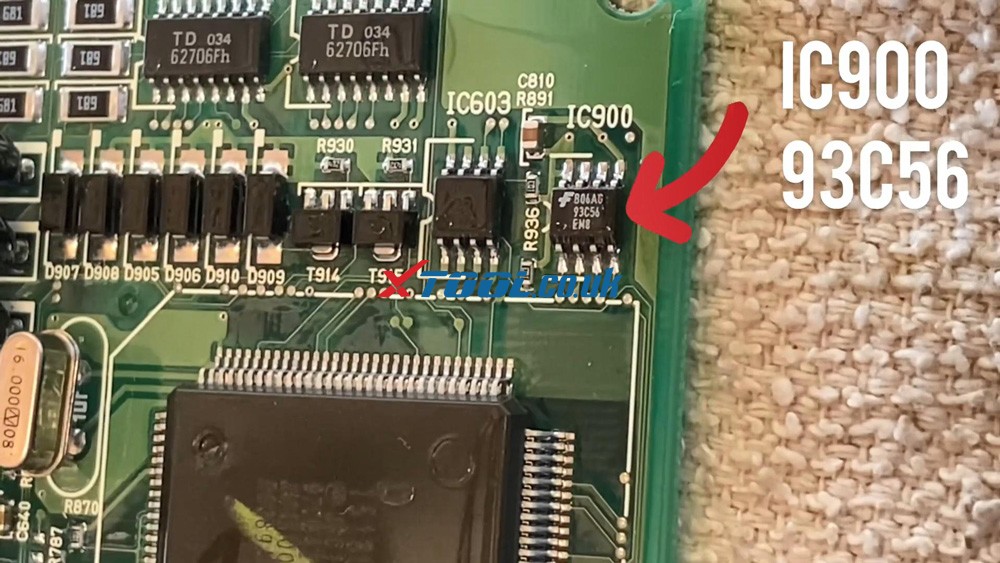
MCU Chip: IC900 93C56
Key: TOY43AT4
Transponder: 4C
key code: Passenger Door Lock

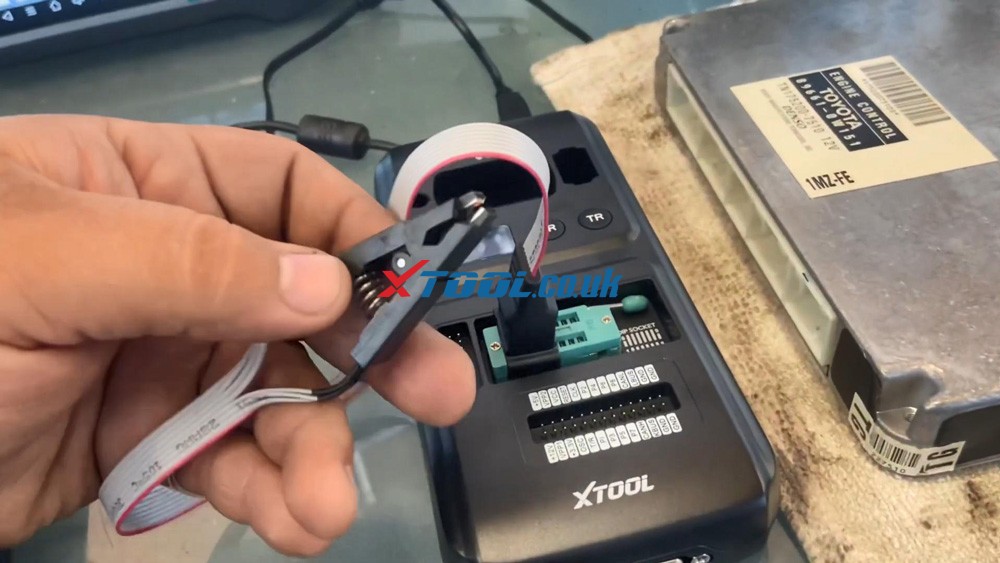
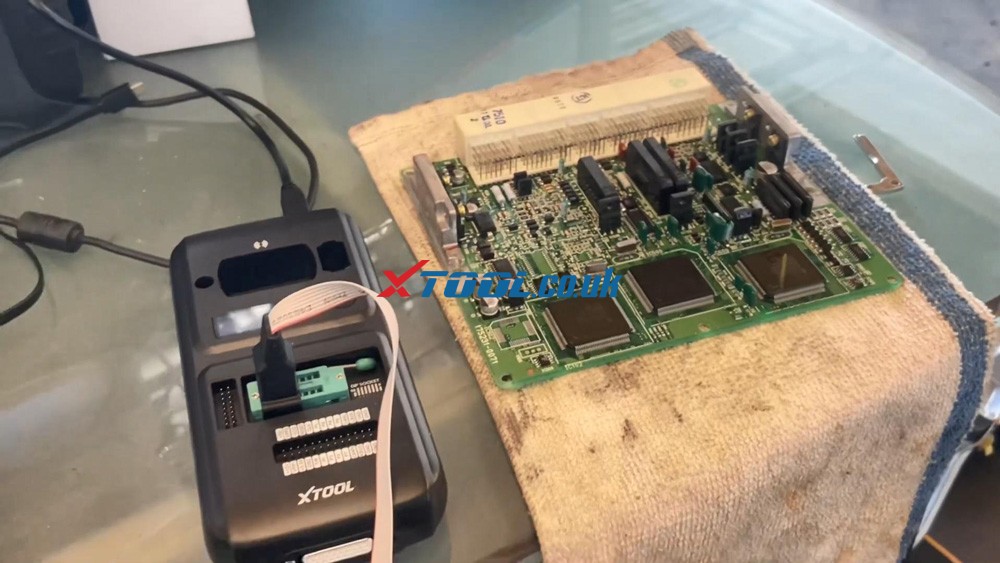
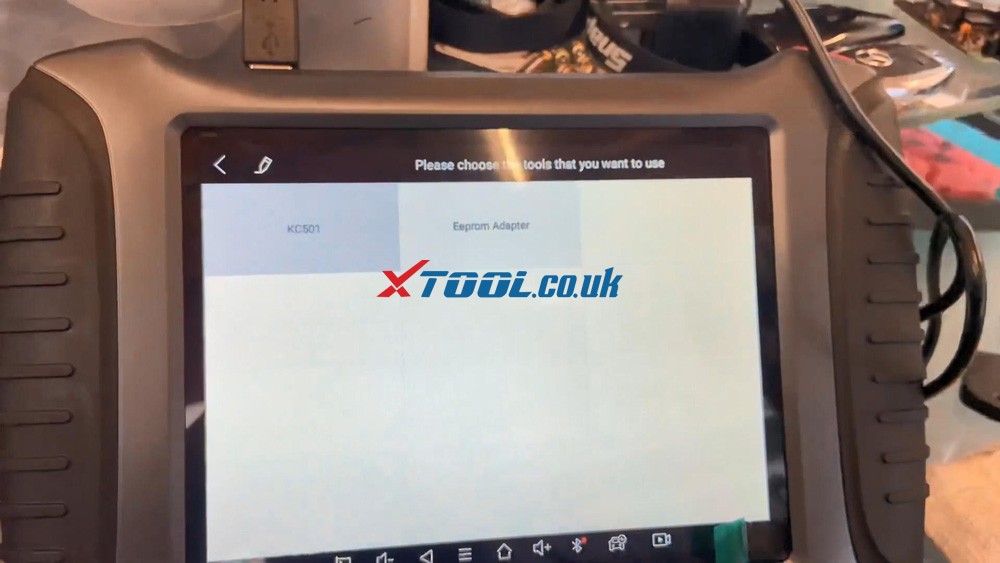
We have the ECU that we took off the Lexus vehicle, a Xtool X100 PAD3 SE, the KC501 with the eeprom 8pin clip.
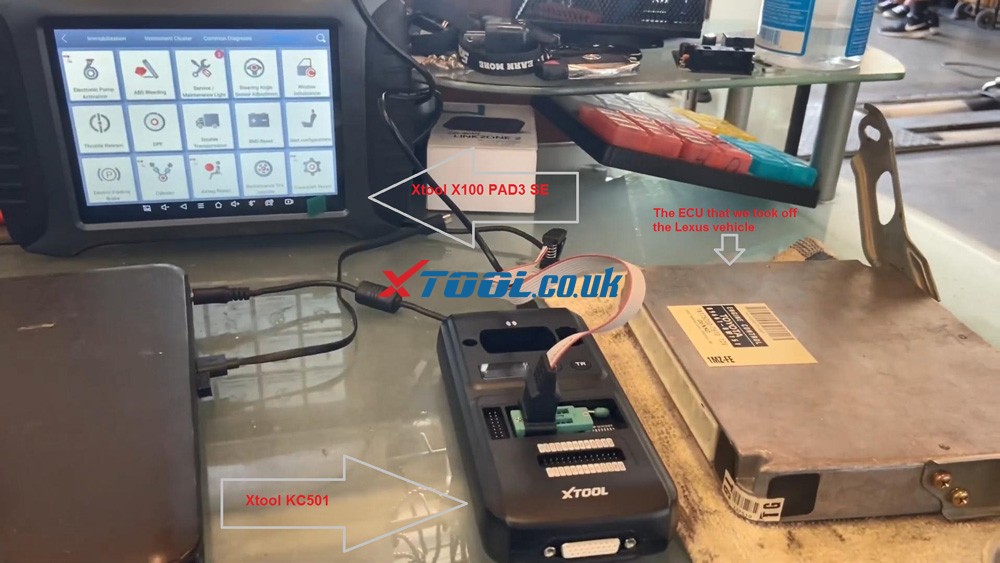
 

Xtool X100 Pad3 Se Reflash Toyota Lexus Ic900 93c56 Data 01 Xtool X100 Pad3 Se Reflash Toyota Lexus Ic900 93c56 Data 02

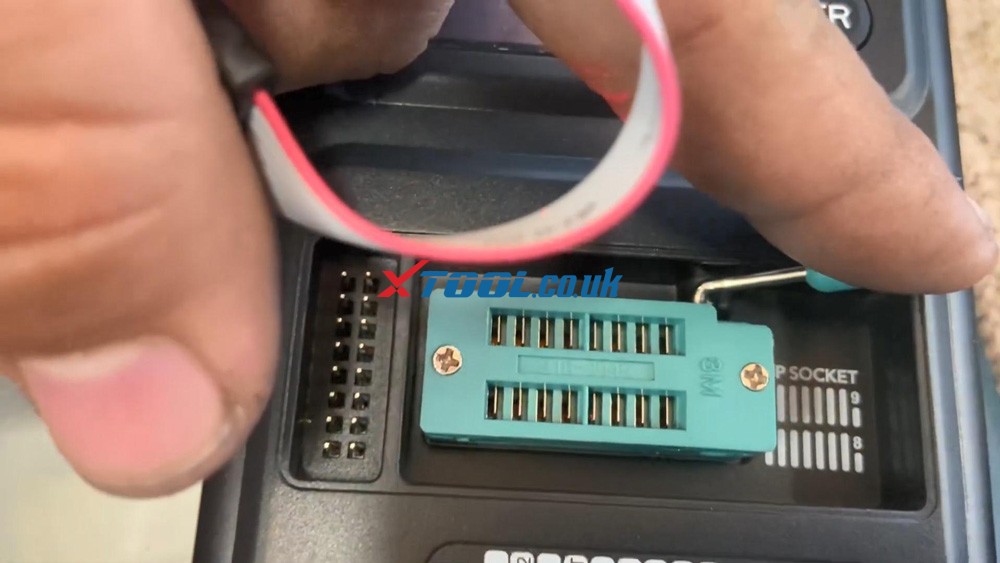
So as you can see right here a DIP socket, it tells us that the pin number one is down here.
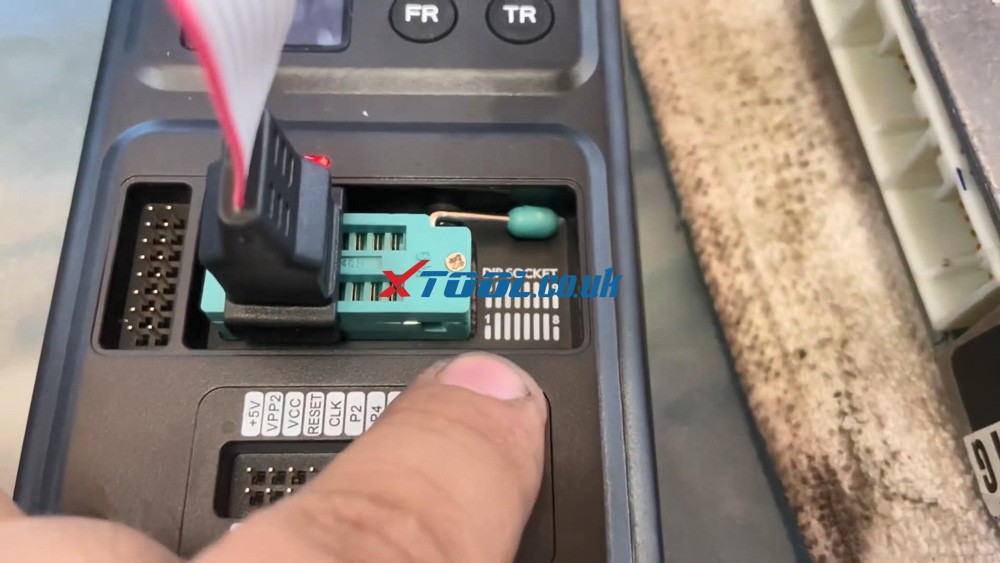
Xtool X100 Pad3 Se Reflash Toyota Lexus Ic900 93c56 Data 03


In order to connect them to a dip socket.

You need to move the little lever up and that opens the teeth when you move it to the left.

So you guys see where that red cable is.

A little extra sign is gonna be to the left. In other words, the red cable you see right there into the plug, it's gonna be pointing down and it's gonna be in the first, there's two sockets, connect it into the first socket and then close it.

As you're holding it down, you're moving the lever down, so it can be attached there.
Xtool X100 Pad3 Se Reflash Toyota Lexus Ic900 93c56 Data 04


Alright so you guys see the red wire right is gonna go to pin number one.
Xtool X100 Pad3 Se Reflash Toyota Lexus Ic900 93c56 Data 05


And On the IC900 chip in the ECU.

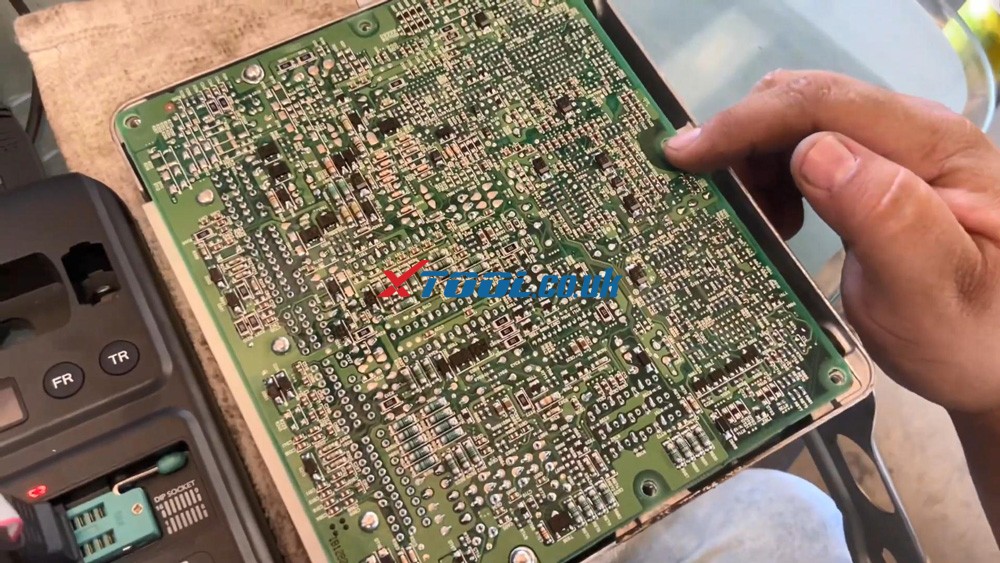
So in order to open up the ECU, and that's four screws, turn it around, once screw at the 4 corners.

And this comes off, make sure that when you take this off, you don't come in contact with any type of metal or anything like that.

You also need to take 2 screws off.


And then this comes out as soon as you take those two screws off to make sure that you don't put it on any that you don't do any problem on any metal surfaces or anything like that.

Make sure you have a nice little rag or something, you know that you can conduct electricity.

So maybe like some plastic, a rubber mat.

So you don't want to place this over nothing metal, because they might make contact or so we want to just put like a metal under it.
Xtool X100 Pad3 Se Reflash Toyota Lexus Ic900 93c56 Data 06 Xtool X100 Pad3 Se Reflash Toyota Lexus Ic900 93c56 Data 07


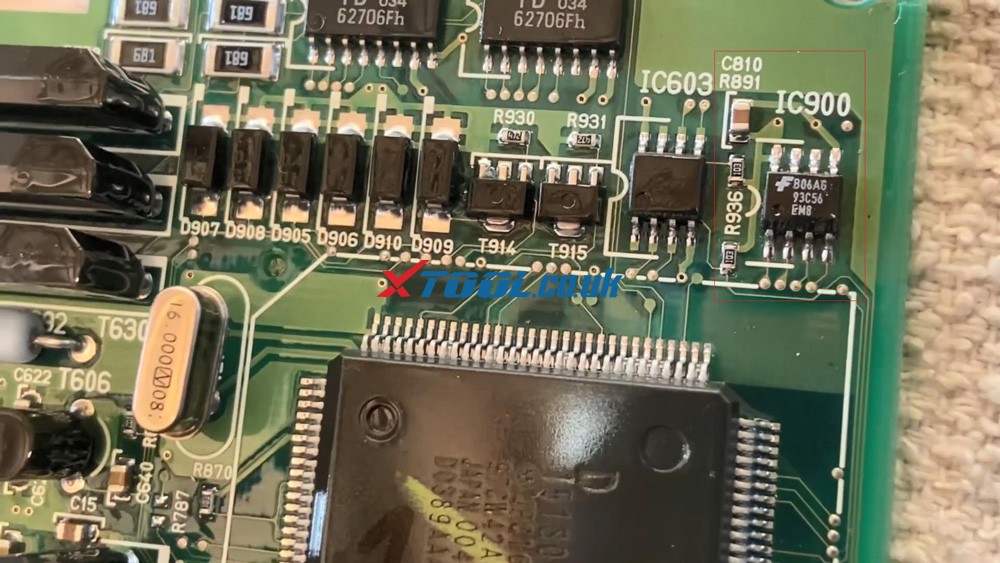
We're looking for the IC900 chip, let me show you guys where it's at, it's on the corner over here.

Now reading on the IC900 chip 93C56. Remember that number because we're gonna need it later on.
Xtool X100 Pad3 Se Reflash Toyota Lexus Ic900 93c56 Data 08


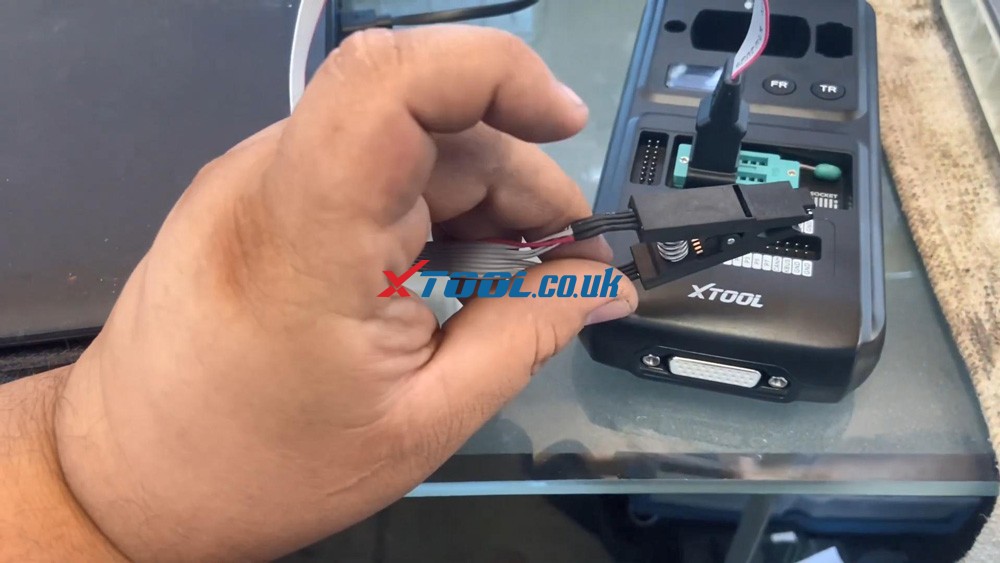
That's why we're going to plug in our cable, a clip and you can see it has a small dent on it, a small dental that means that little dot right there, you guys see that means that's indicating that's pin number one.

A little hole is pointing to pin number 1, that's where are our connector's gonna be at okay.
Xtool X100 Pad3 Se Reflash Toyota Lexus Ic900 93c56 Data 09


So that red wire would be like this.

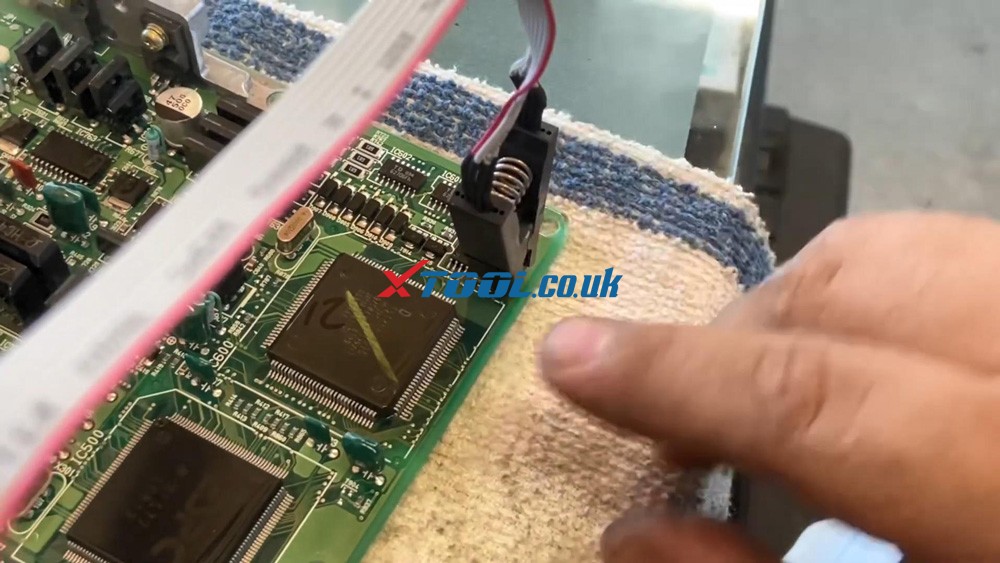
Okay before you put this clip on, make sure you guys clean the leads right here, the pins.

So get like a little screwdriver or a little wire brush and clean around here, because that's usually where you can read the data because you need to clean up these little leads.
Xtool X100 Pad3 Se Reflash Toyota Lexus Ic900 93c56 Data 10


Alright, let's continue do this data initialized with X100 PAD3 SE.

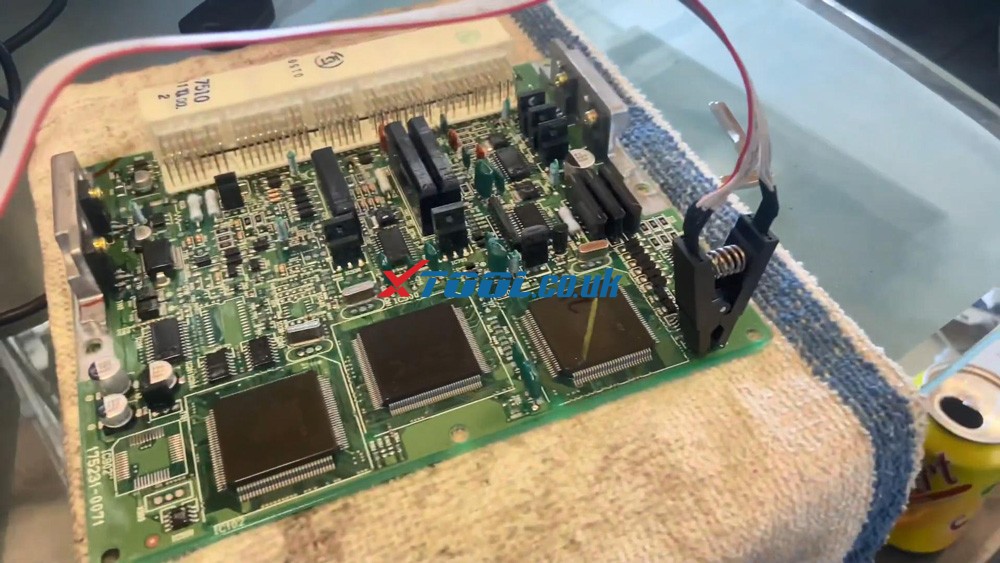
We're gonna connect our 8pin clip.

Well there's a little red wire on the left-hand side, this is facing away from you, IC900 chip, make sure you clean the pins where it connects. So I can read the data.

If it doesn't read the data because it's not making good contact.

it's going to number one on the dot, position number one pin.
Xtool X100 Pad3 Se Reflash Toyota Lexus Ic900 93c56 Data 11


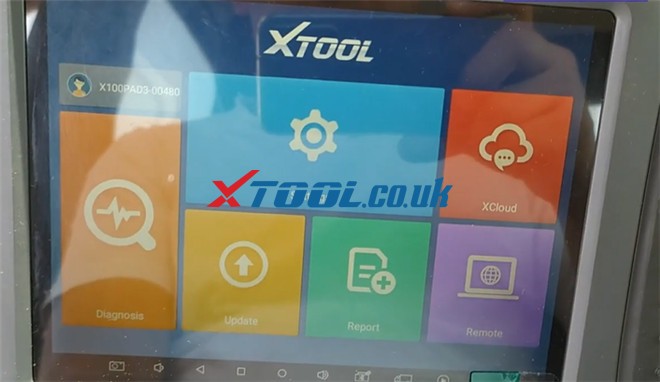
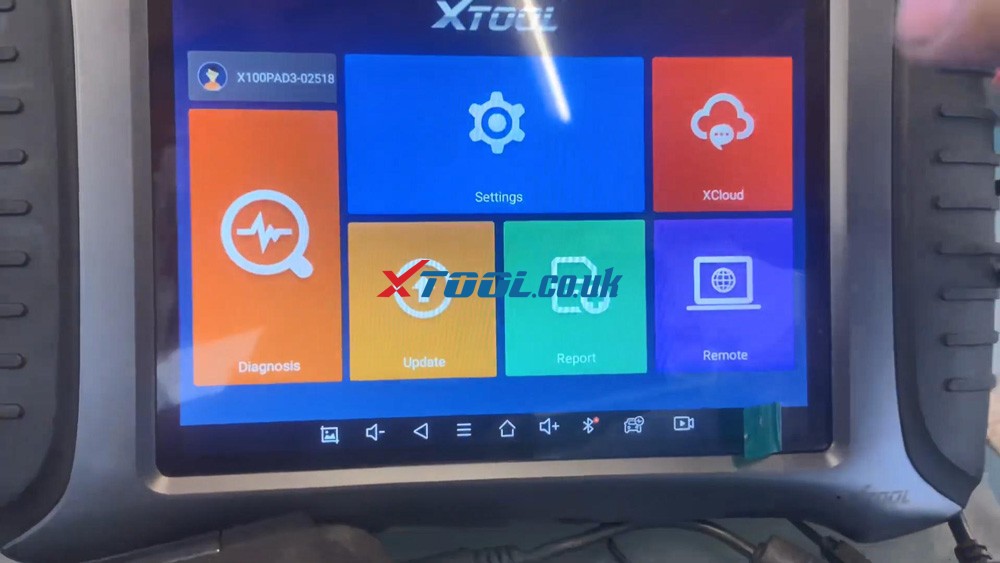
We are going to go to the main menu of X100 PAD3 SE, and go to "Diagnosis".
Xtool X100 Pad3 Se Reflash Toyota Lexus Ic900 93c56 Data 12


Go to "Other service" and go down "EEPROM adaptor".
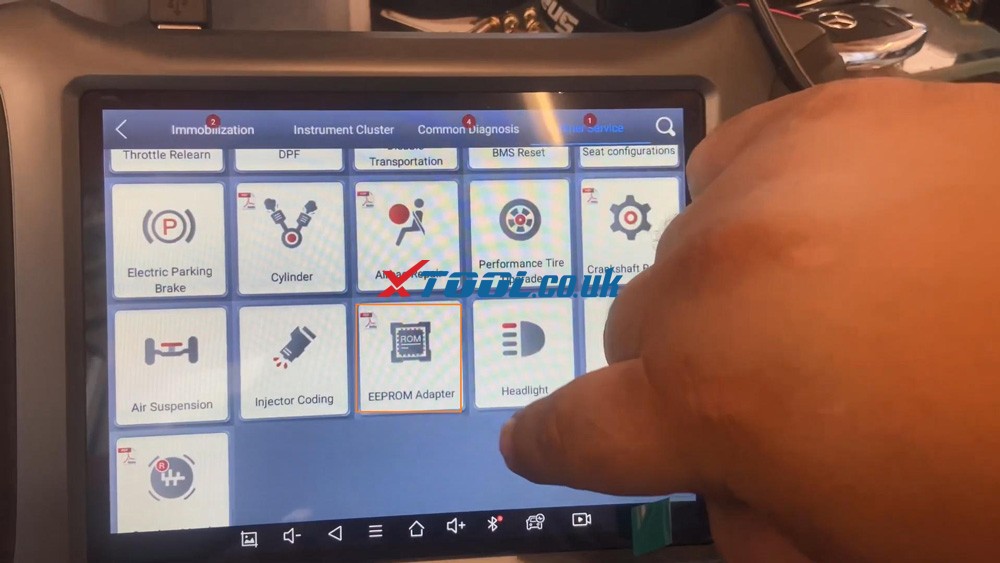
Xtool X100 Pad3 Se Reflash Toyota Lexus Ic900 93c56 Data 13


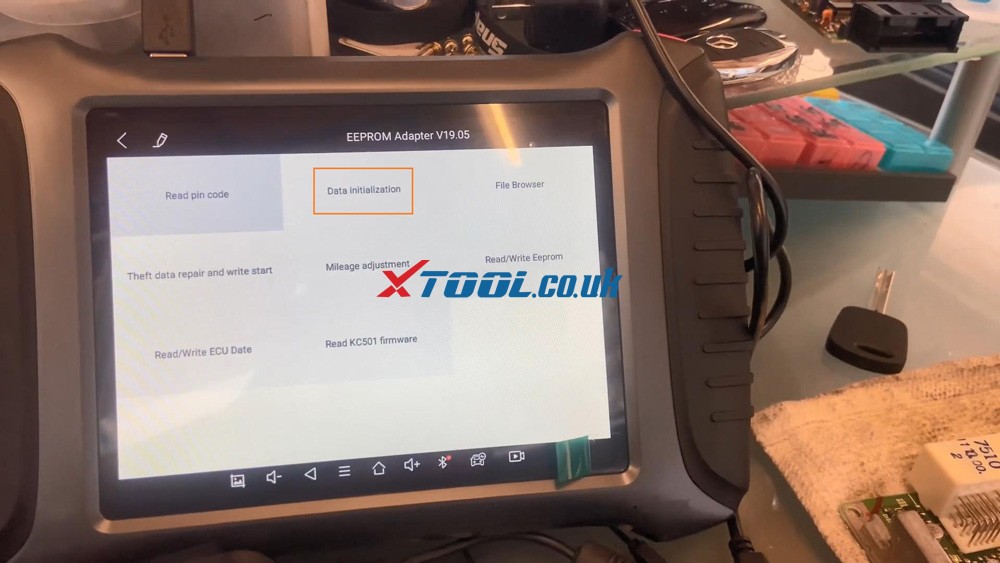
Go to "Data initialization".

Xtool X100 Pad3 Se Reflash Toyota Lexus Ic900 93c56 Data 14


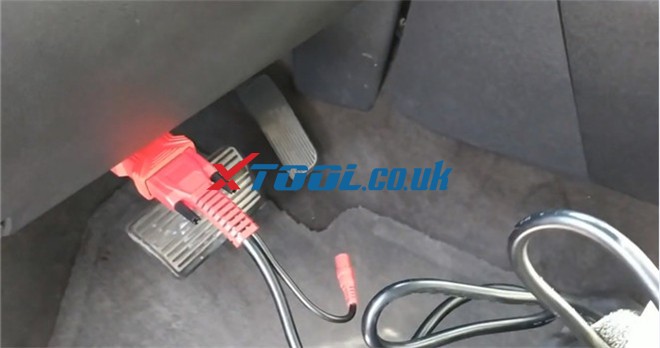
Make sure the adapter is connected and power on, the status light is turned on. Yeah, that's connected powered on, we're going to press "OK".
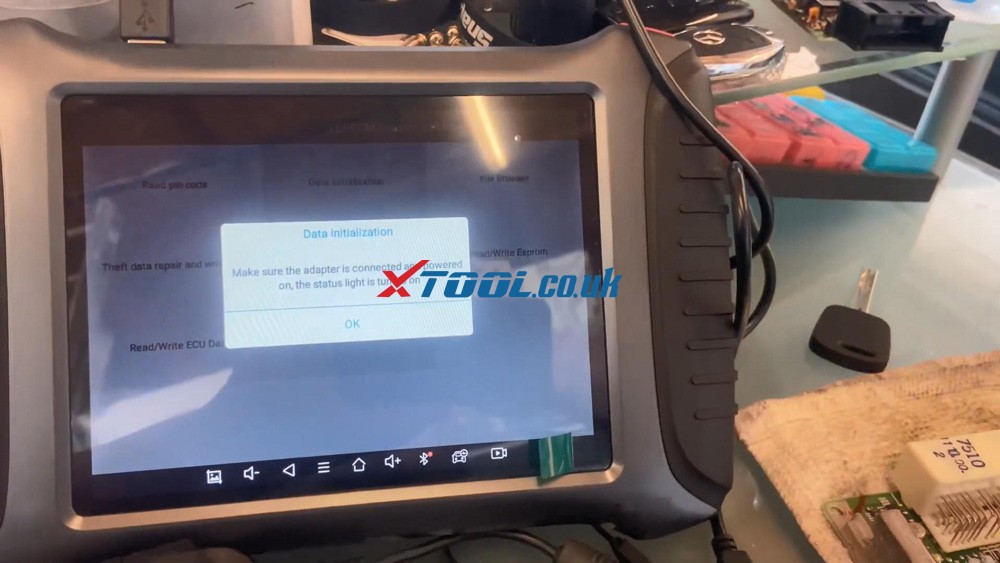
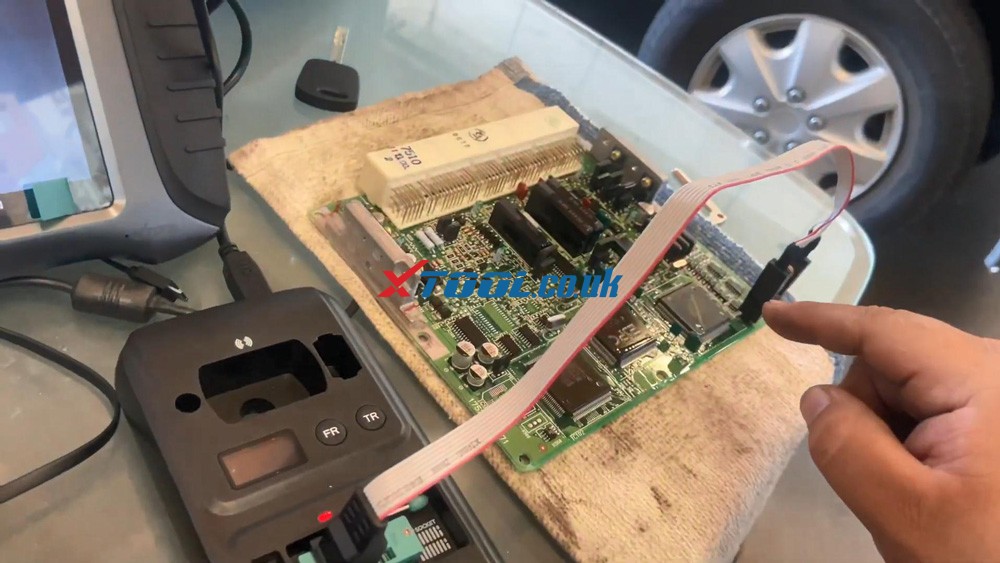
Xtool X100 Pad3 Se Reflash Toyota Lexus Ic900 93c56 Data 15 Xtool X100 Pad3 Se Reflash Toyota Lexus Ic900 93c56 Data 16


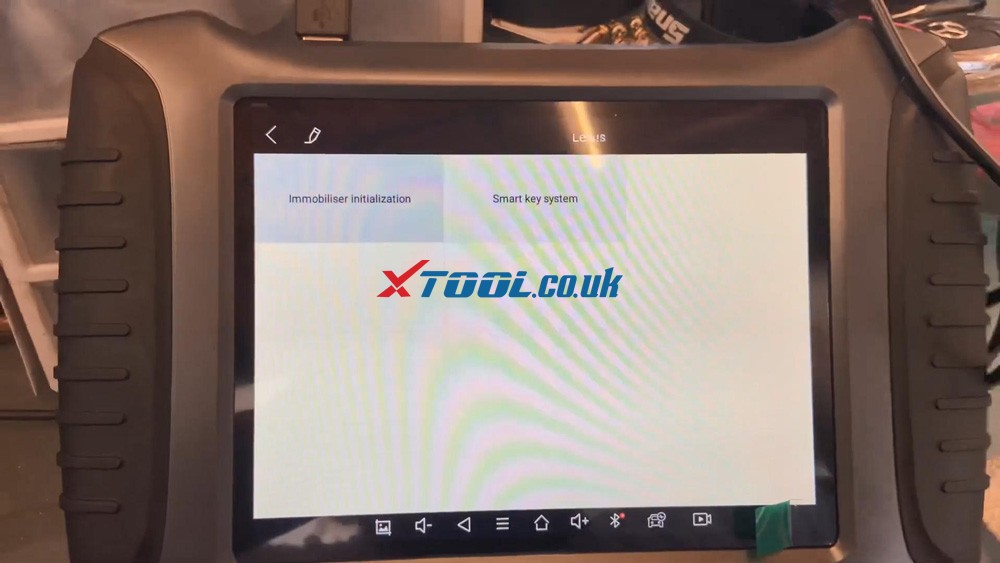
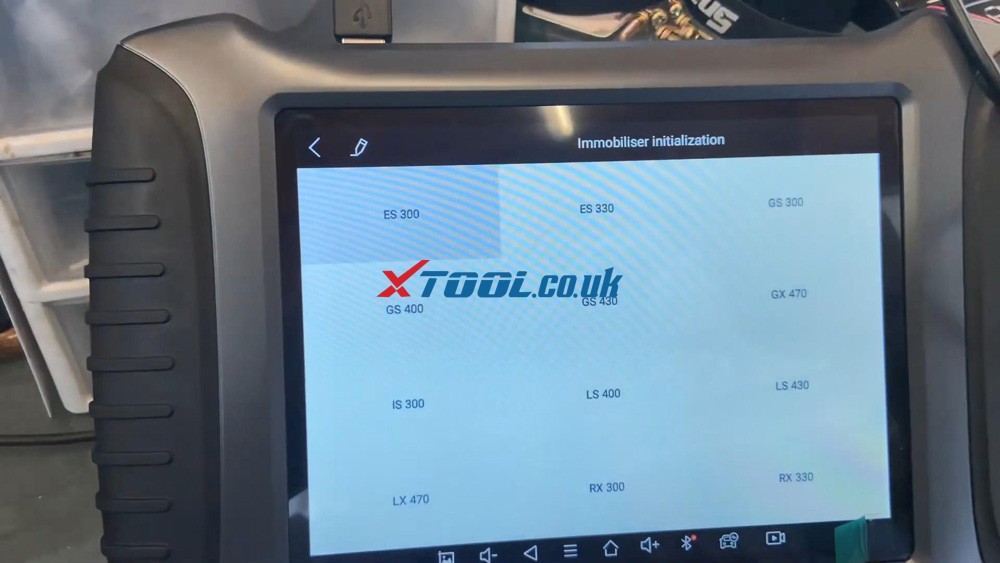
Go to "Lexus" and then "Immobilizer Initialization".
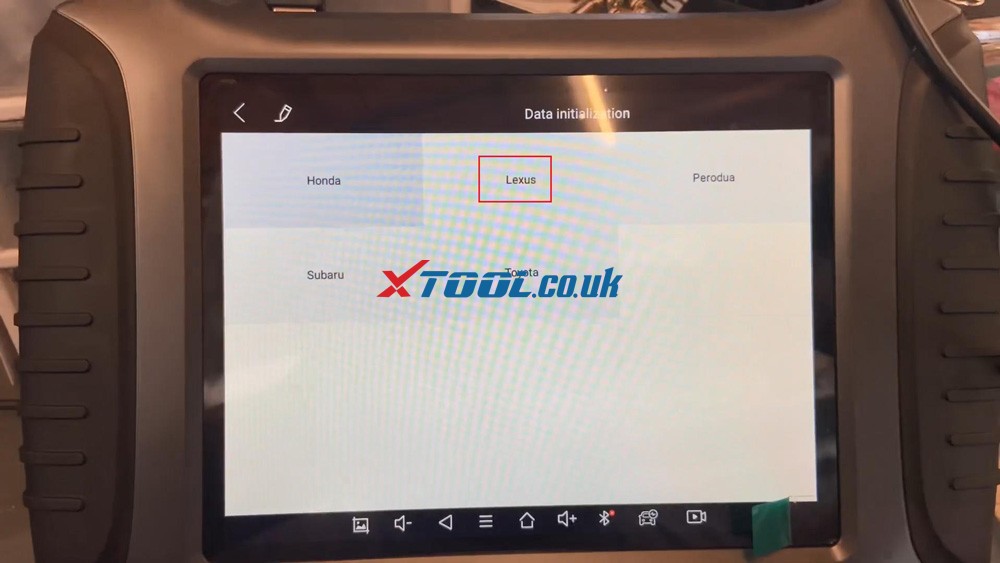
Xtool X100 Pad3 Se Reflash Toyota Lexus Ic900 93c56 Data 17 Xtool X100 Pad3 Se Reflash Toyota Lexus Ic900 93c56 Data 18


It's IS300, make sure you select the correct model and year, this is 2001.
Xtool X100 Pad3 Se Reflash Toyota Lexus Ic900 93c56 Data 19


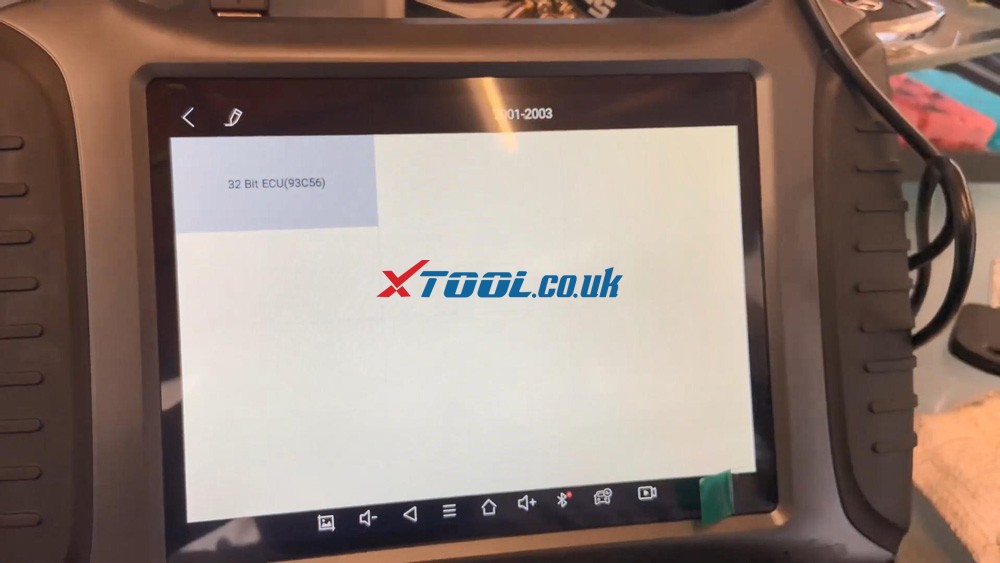
Go to 32 bit ECU (93c56), the chip number is the same one that's on the chip.
Xtool X100 Pad3 Se Reflash Toyota Lexus Ic900 93c56 Data 20


We're gonna go to KC501.

Xtool X100 Pad3 Se Reflash Toyota Lexus Ic900 93c56 Data 21


128 by 16 we're gonna press OK.


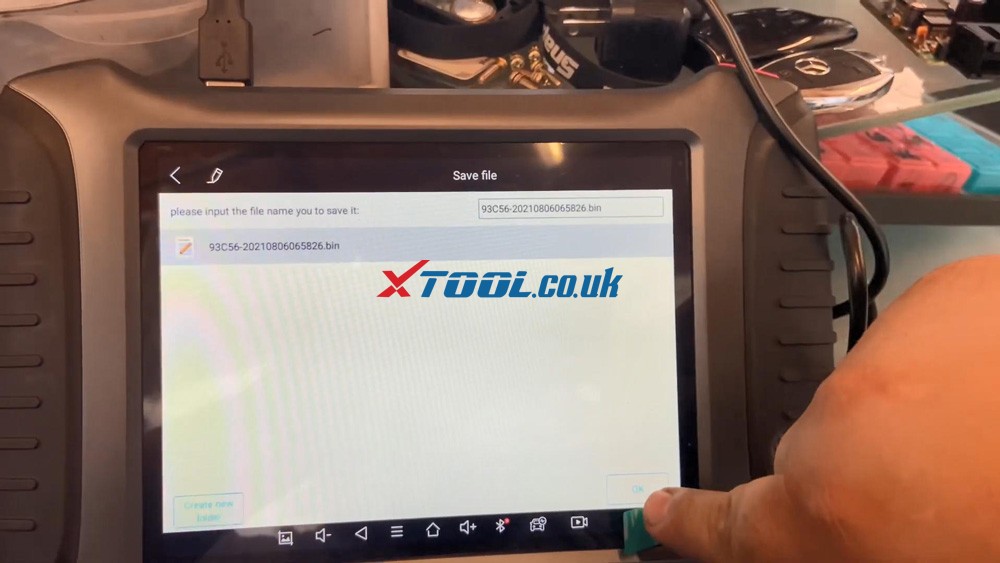
Go ahead and open up the file, save the file, please input the file name to save it, save it under the microchip and press OK.
Xtool X100 Pad3 Se Reflash Toyota Lexus Ic900 93c56 Data 22


The file already exists, do you want to overwrite it, press "Yes".


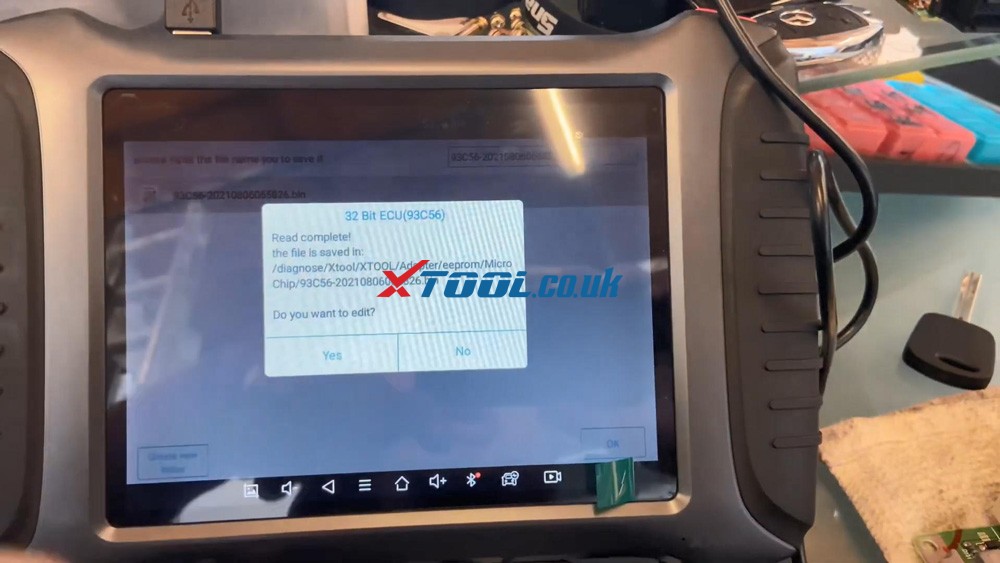
Okay, so read complete, do you want to edit, press "NO", we do not want to edit, we just wanna reflash it, press "Yes" to continue.
Xtool X100 Pad3 Se Reflash Toyota Lexus Ic900 93c56 Data 23


So we're preparing the data, oaky data initialized successfully.
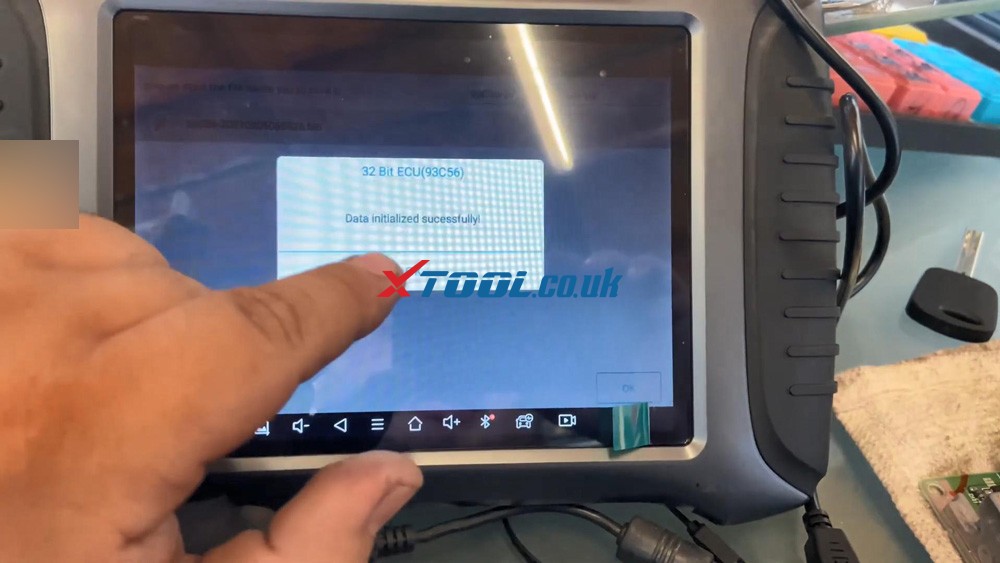
Xtool X100 Pad3 Se Reflash Toyota Lexus Ic900 93c56 Data 24


So now we're gonna go ahead put everything back together and we're gonna go ahead and match the keys to the vehicle. 

So let's go connect back to the vehicle and, let's get this thing done.


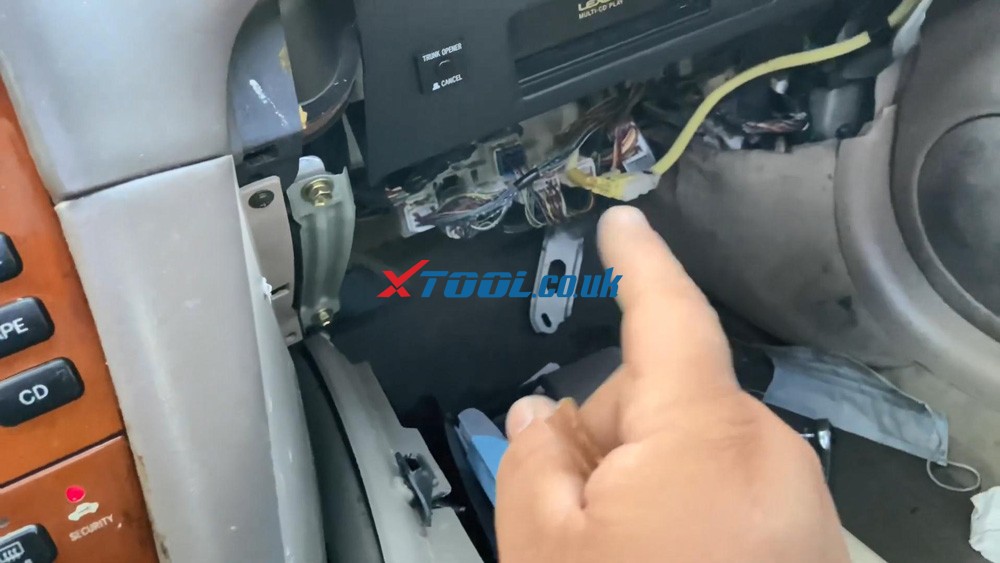
Alright, so we are on the vehicle right now because you can see the immobilizer light is not solid on, the ECU is plugged back in there, make sure you are plugging all cables, each cable goes to each individual slot, it doesn't fit in the other one. Security light is on.
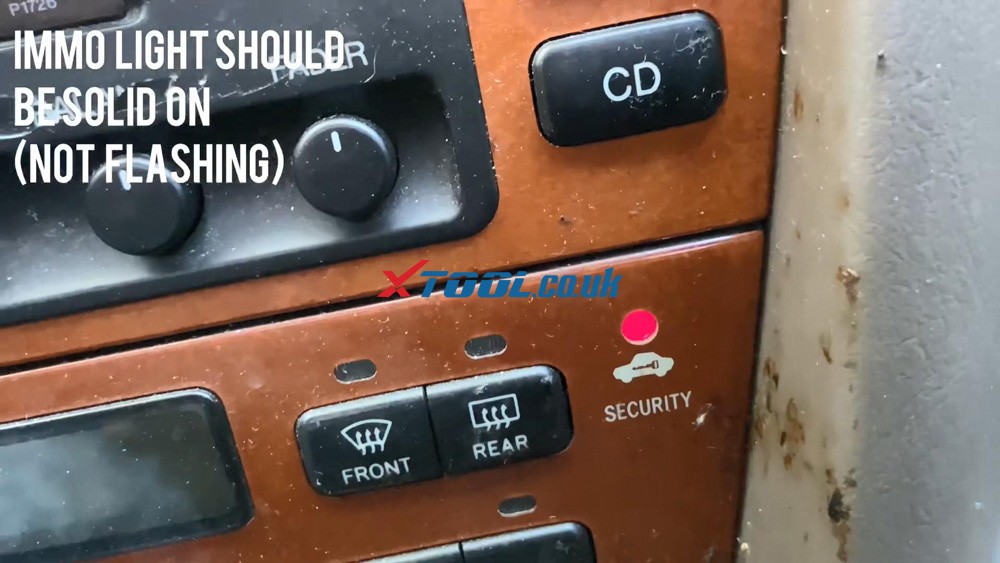
Xtool X100 Pad3 Se Reflash Toyota Lexus Ic900 93c56 Data 25

Xtool X100 Pad3 Se Reflash Toyota Lexus Ic900 93c56 Data 26


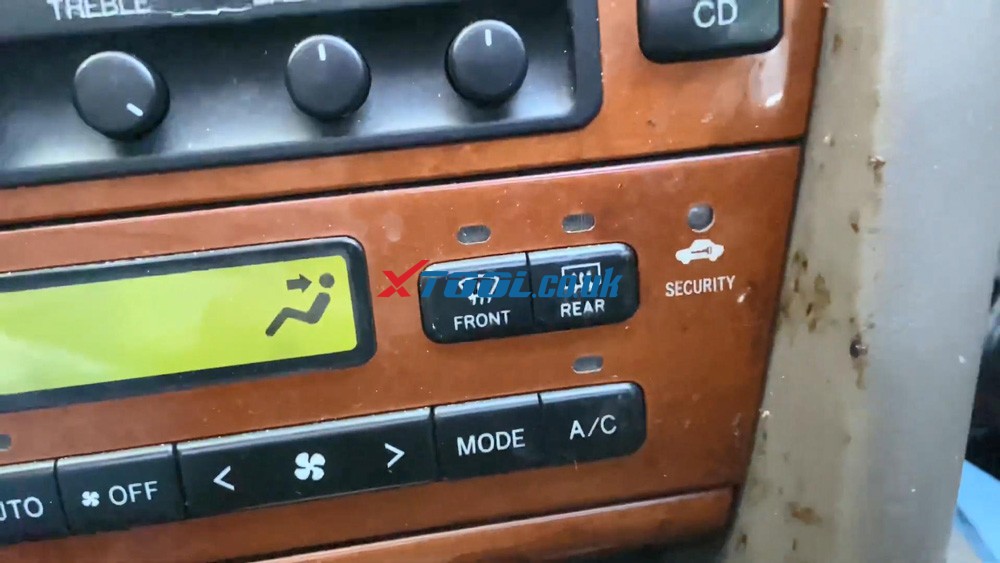
We have our 4C chip in here, you can program it to three keys, okay, so this is what we're going to do when I stick it to ignition from off to on five times and leave it on the fifth time, 12345, leave it on and open the door, close it 123456, now this should be programmed, like I said, you can program to 3 keys, we're gonna try it out, make sure that key goes off,  isn't that amazing, immobilizer light is off, our vehicles on, our key is programmed . You can now manually program up to 3 keys, it's really easy, you guys can see the light is flashing back to its normal state.
Xtool X100 Pad3 Se Reflash Toyota Lexus Ic900 93c56 Data 27


Anytime you stick in the key, and you turn it on, it lights up and then it turns off, so that means that we successfully program the key.


And that's how I get the job done, Xtool X100 Pad3 SE, EEPROM, IC900, data initialization with KC501 programmer.


https://www.xtool.co.uk/service/xtool-x100-pad3-se-reflash-initialize-toyota-lexus-immobilizer-system.html

2021-07-27

XTOOL Add 2015-2018 Jaguar/Land Rover All Keys Lost

XTOOL X100 Pad tablet series key programming for 2015-2018 Jaguar/Land Rover is coming est. on August 15th! Here share the relevant newest update info.

XTOOL  Add 2015-2018 Jaguar/Land Rover All Keys Lost


What function can it exactly do?

  • Add all keys lost
  • Pin code free
  • Via OBD directly


Which Jaguar/Land Rover car models are added?

2015-2018 Jaguar/Land Rover models with FK72 KVM module (e.g. Land Rover Discovery/ Ranger Rover/ Ranger Rover Evoque…)


What accessory is needed?

An aftermarket key


Which Xtool key programmer can work with the newly added Jaguar/Land Rover car models?

X100 PAD, X100 PAD2, X100 PAD2 Pro, X100 PAD3 plus KC100/KC501, X100 PAD3 SE, X100 PAD3 SE plus KC501, etc.


How to program key to Land Rover/Jaguar by XTOOL X100 Pad Series Key Programmer?

Please refer to the following posts (add a spare new key).

How to use Xtool X100 PAD2 &  KEYDIY add Jaguar Landrover 2015 - 2018 Smart Key
 

Will XTOOL X100 Pad2 key reprogram a 2004 Land Rover Discovery 3?

Xtool PAD3 Add Keys For 08 Rangerover Sport Via OBD

The all keys lost programming operation guide is coming soon! Please look forward to it!


FYI…

Attach the current Jaguar/Land Rover car models supported by XTOOL X100 PAD Tablet Series (before updating).

Jaguar Immobiliser Function List
Software Version: 26.32
AutomakerModelSystemFunction
JAGUARtype 1Without smart1.Read number of keys
2.All keys lost
JAGUARXF (-2012)smart key1.Program smart keys
2.Erase smart keys
JAGUARXF (2012-)smart key1.Add a smart key
2.Clear smart keys
JAGUARXJ (-2013)smart key

1.Add smart key

2.Clear smart key
3.Restore smart key

JAGUARtype 1Remote1.Program remote
2.Number of remote
JAGUARtype 2Remote1.Program remote
2.Erase remote


Land Rover Function table V26.64
AutomakerCar yearModelFunction menuPassword
Land Rover2005-2009Range rover (Sport)1.Program keysNO
 Discovery 3
-2015Range rover (Sport)1.Add smart key
2.All smart keys lost

3.Read ECU Information

NO
-2015Range rover
-2013Evoque
2014-2015
-2013Discovery 4
2014-2015
2012-Freelander 2
2006-2009Range rover1.Program keysNO
 Freelander1.Smart keyNO
-2012Freelander 2

https://www.xtool.co.uk/


2021-06-27

Solution to Chevy P0300 Avalanche 2008 code with Xtool X100 PAD3?


How to solve 2008 Chevrolet Avalanche P0300 Trouble code by using XTOOL X100 PAD3/ X100 PAD3 SE? Check the step-by-step guide as below.

Now let’s start it.

Firstly, use the main cable and OBDII connector to connect X100 PAD3 and the vehicle
(The OBD port of the vehicle is under the steering wheel.)
how-to-fix-chevy-p0300-code-with-xtool-x100-pad3-01

After The Xtool tablet is turned on, then go to Diagnosis-> America-> CHEVROLET-> Automatic selection-> Avalanche- 4WD
how-to-fix-chevy-p0300-code-with-xtool-x100-pad3-02
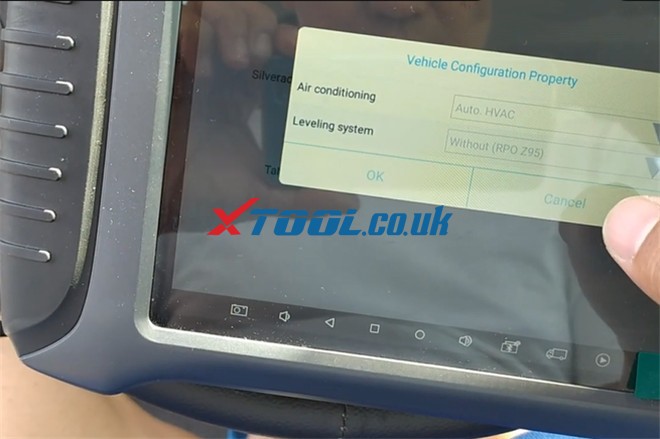
We have automatic air conditioning and there’s another type of legacy step for leveling system, so just operate as below for vehicle configuration property.
  • Air conditioning: Auto. HVAC
  • Leveling system: Without (PRO Z95)
how-to-fix-chevy-p0300-code-with-xtool-x100-pad3-03
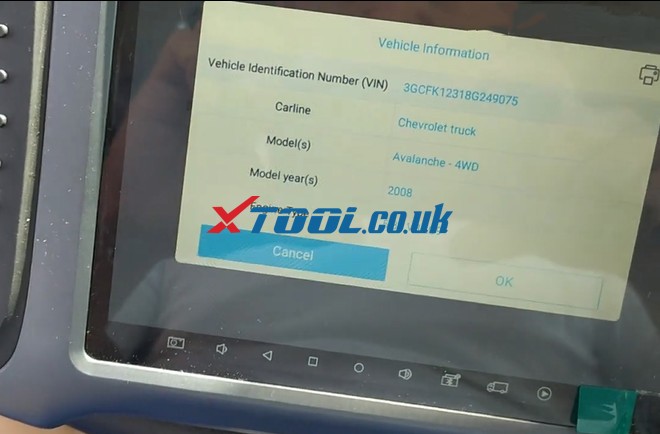
Then confirm the vehicle info read out.
how-to-fix-chevy-p0300-code-with-xtool-x100-pad3-04
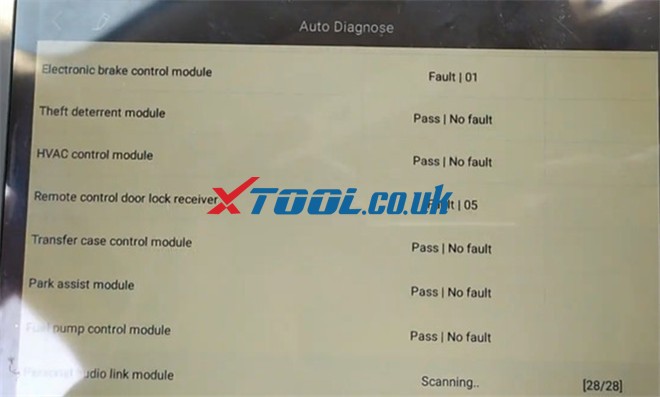
Select Auto Diagnose, there are more than 20 systems need to be scanned, so just keep patient.
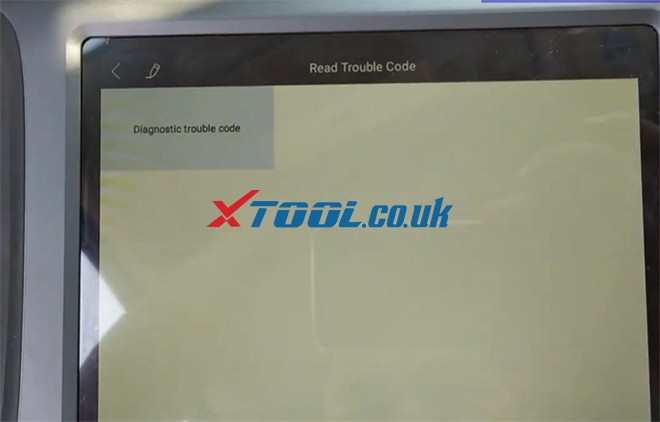
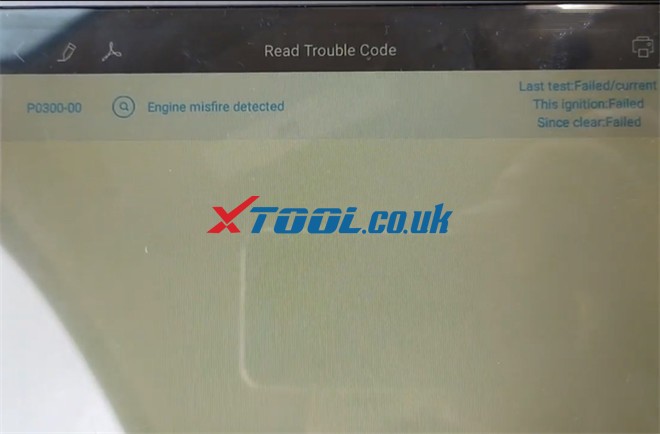
After all systems are diagnosed, go to Engine control module-> Read Trouble Code-> Diagnostic trouble code
how-to-fix-chevy-p0300-code-with-xtool-x100-pad3-05
how-to-fix-chevy-p0300-code-with-xtool-x100-pad3-06


The fault code is P0300-00 engine misfire detected.
how-to-fix-chevy-p0300-code-with-xtool-x100-pad3-07how-to-fix-chevy-p0300-code-with-xtool-x100-pad3-08
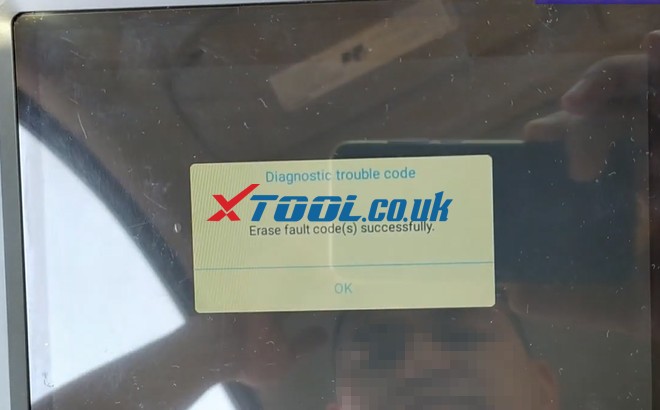
Then click “Clear trouble codes” to erase all the fault codes
Erase the fault code successfully
how-to-fix-chevy-p0300-code-with-xtool-x100-pad3-07
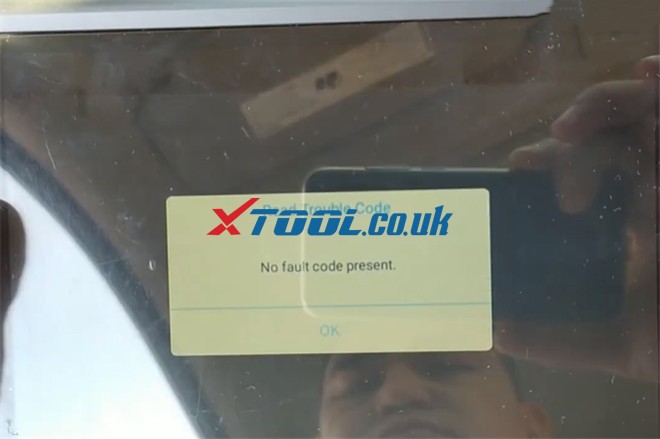
Now there is no fault code.
how-to-fix-chevy-p0300-code-with-xtool-x100-pad3-08
Click “Diagnostic trouble code” to check again, it also shows “No fault code present”.
After that, try to turn off the engine, and restart again. The trouble code comes back.
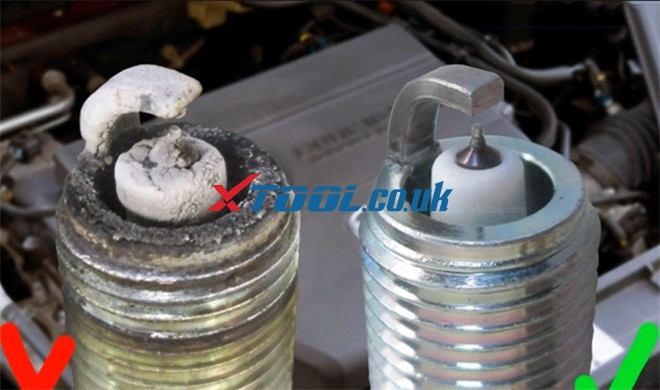
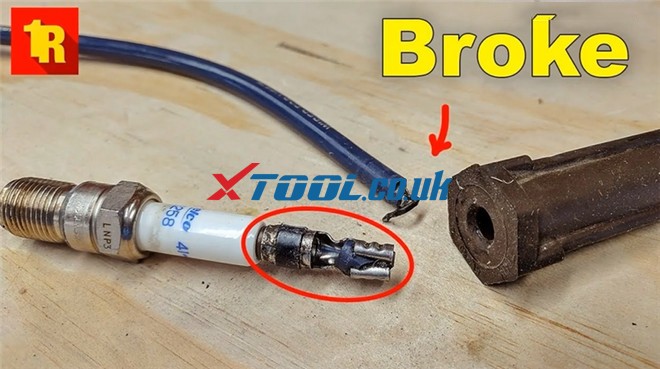
In that case we are going to check what’s happening. Some stuff in near the spark plugs or the injectors or the high tension wires. Maybe there’s some problem with it if the trouble is going.
Finally, after changing the spark plugs and the high tension wires, the system was back.
how-to-fix-chevy-p0300-code-with-xtool-x100-pad3-09
how-to-fix-chevy-p0300-code-with-xtool-x100-pad3-10


That’s whole process we use XTOOL X100 PAD3 key programmer to diagnose and clear fault code for 2008 Chevrolet Avalanche.
 

How to program a Toyota G Chip Key using xtool D8

  Purpose:   program a G chip key for a Toyota Model:   Toyota Tacoma 2011 Tool option:   Xtool D8 Bi-Directional OBD2 Diagnostic Scanner He...