显示标签为“x100 pad2 pro”的博文。显示所有博文

2021-07-27

XTOOL Add 2015-2018 Jaguar/Land Rover All Keys Lost

XTOOL X100 Pad tablet series key programming for 2015-2018 Jaguar/Land Rover is coming est. on August 15th! Here share the relevant newest update info.

XTOOL  Add 2015-2018 Jaguar/Land Rover All Keys Lost


What function can it exactly do?

  • Add all keys lost
  • Pin code free
  • Via OBD directly


Which Jaguar/Land Rover car models are added?

2015-2018 Jaguar/Land Rover models with FK72 KVM module (e.g. Land Rover Discovery/ Ranger Rover/ Ranger Rover Evoque…)


What accessory is needed?

An aftermarket key


Which Xtool key programmer can work with the newly added Jaguar/Land Rover car models?

X100 PAD, X100 PAD2, X100 PAD2 Pro, X100 PAD3 plus KC100/KC501, X100 PAD3 SE, X100 PAD3 SE plus KC501, etc.


How to program key to Land Rover/Jaguar by XTOOL X100 Pad Series Key Programmer?

Please refer to the following posts (add a spare new key).

How to use Xtool X100 PAD2 &  KEYDIY add Jaguar Landrover 2015 - 2018 Smart Key
 

Will XTOOL X100 Pad2 key reprogram a 2004 Land Rover Discovery 3?

Xtool PAD3 Add Keys For 08 Rangerover Sport Via OBD

The all keys lost programming operation guide is coming soon! Please look forward to it!


FYI…

Attach the current Jaguar/Land Rover car models supported by XTOOL X100 PAD Tablet Series (before updating).

Jaguar Immobiliser Function List
Software Version: 26.32
AutomakerModelSystemFunction
JAGUARtype 1Without smart1.Read number of keys
2.All keys lost
JAGUARXF (-2012)smart key1.Program smart keys
2.Erase smart keys
JAGUARXF (2012-)smart key1.Add a smart key
2.Clear smart keys
JAGUARXJ (-2013)smart key

1.Add smart key

2.Clear smart key
3.Restore smart key

JAGUARtype 1Remote1.Program remote
2.Number of remote
JAGUARtype 2Remote1.Program remote
2.Erase remote


Land Rover Function table V26.64
AutomakerCar yearModelFunction menuPassword
Land Rover2005-2009Range rover (Sport)1.Program keysNO
 Discovery 3
-2015Range rover (Sport)1.Add smart key
2.All smart keys lost

3.Read ECU Information

NO
-2015Range rover
-2013Evoque
2014-2015
-2013Discovery 4
2014-2015
2012-Freelander 2
2006-2009Range rover1.Program keysNO
 Freelander1.Smart keyNO
-2012Freelander 2

https://www.xtool.co.uk/


2021-06-18

Xtool X100 PAD2 program a Spare Key For a 2015 Vauxhall Movano

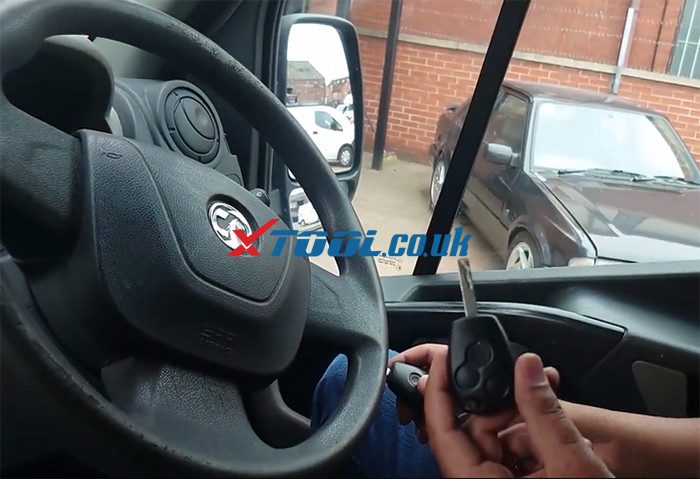
 We have programmed a spare key to this 2015 Vauxhall Movano using the XTool X100 Pad 2. 
add-keys-for-vauxhall-movano-by-xtool-pad2-01
The Xtool key programmer we will use is EU version, but the operation guide is the same as global version.

Because this vehicle is based on Renault platform, it’s based on a Renault master.
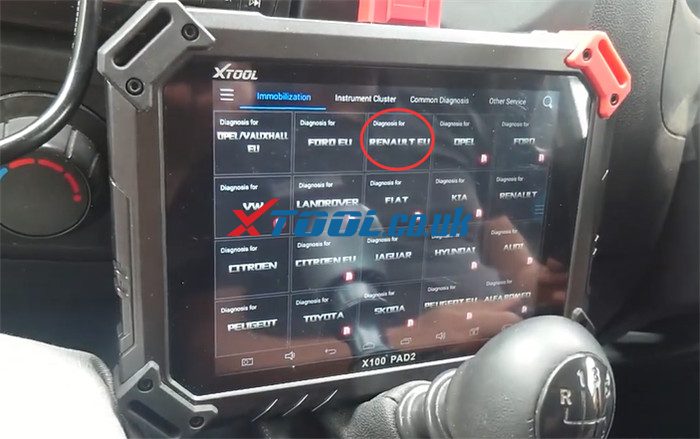
So after connecting x100 pad2 to the vehicle properly, then go to immobilization function and select “RENAULT EU” to do.
add-keys-for-vauxhall-movano-by-xtool-pad2-02
Agree with the disclaimer
The ignition of the vehicle is off and doors are closed.
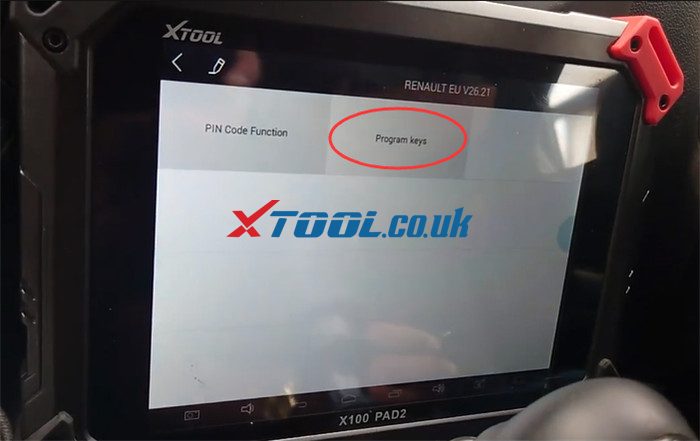
Select “Program keys”
add-keys-for-vauxhall-movano-by-xtool-pad2-03
Note: A lot of Renaults can be supported by x100 pad2 key programmer, so you don’t need to read the pin code. It can automatically do it as part of the process.
Then select “Master”-> “10-16”
add-keys-for-vauxhall-movano-by-xtool-pad2-04
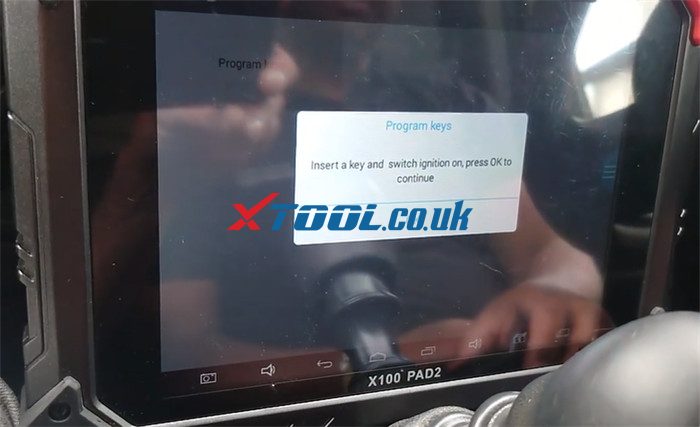
Use the original working key to turn the ignition switch on
add-keys-for-vauxhall-movano-by-xtool-pad2-05
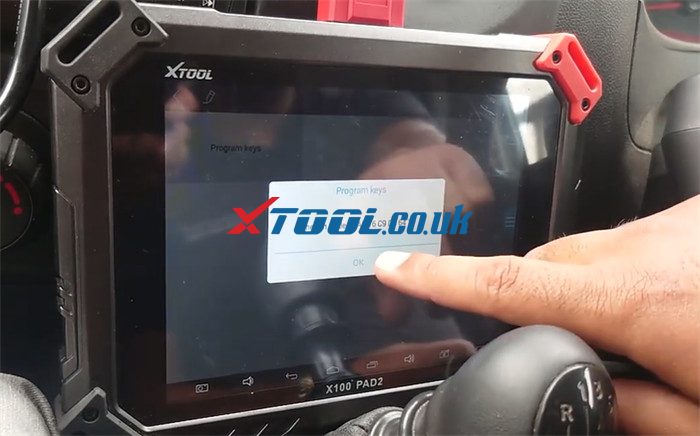
Select “Program keys”
Switch ignition off and remove the original key
The Pin Code has been got automatically.
add-keys-for-vauxhall-movano-by-xtool-pad2-06
Insert the original key back in and turn ignition on.
Note: It’s very important to have all of the keys present because most of the time in this sort of a system, it will erase any keys which aren’t present.
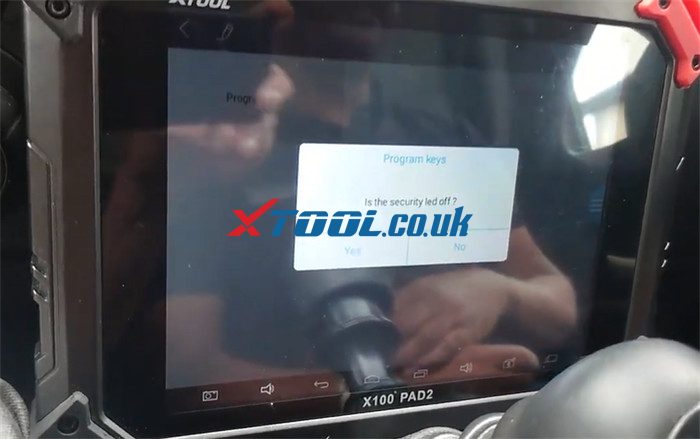
Check if the security led off
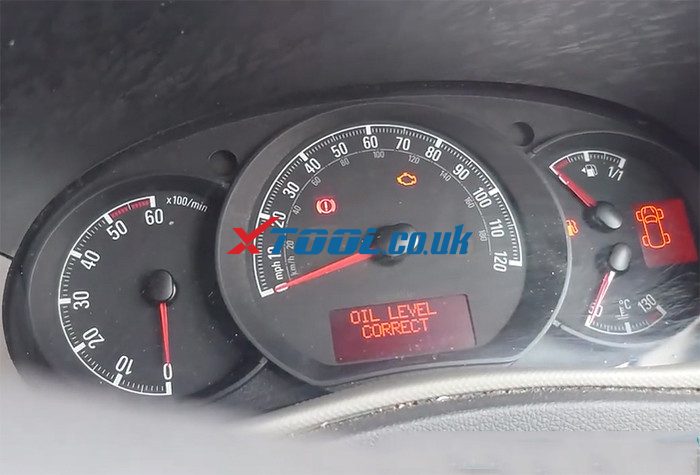
There are no immobilizer warning lights on the dashboard, so just click “Yes” to continue.
add-keys-for-vauxhall-movano-by-xtool-pad2-07
add-keys-for-vauxhall-movano-by-xtool-pad2-08
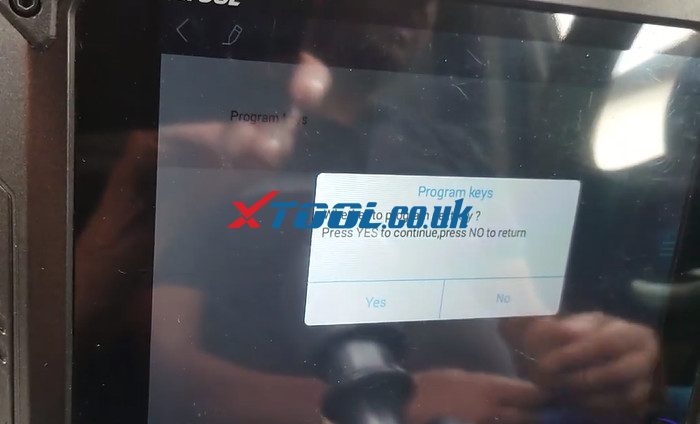
It says “Whether to program next key?” Press “Yes” to continue
add-keys-for-vauxhall-movano-by-xtool-pad2-09
Take the old key out and insert the new key to turn the ignition on and wait for 10 seconds
Check if the security led off again
There’s also no immobilizer warning light on the dashboard, so just click “Yes” to continue.
No need to program next key, then wait for 15 seconds
The programming is done.
add-keys-for-vauxhall-movano-by-xtool-pad2-10
Finally, take the key programmed out to test the central locking, it works fine, and all the buttons are functioning absolutely fine. The original key is still working.
They both can start the car normally, and there is no warning light appearing.

All right! Xtool X100 Pad2/X100 PAD2 Pro program a new key to 2015 Vauxhall Movano successfully.
 

https://www.xtool.co.uk/service/add-keys-for-vauxhall-movano-by-xtool-pad2.html

2021-05-25

Program Hyundai i20 Smart Key with Xtool X100 Pad2

Purpose: #Hyundai i20 PINCODE reading+ Key Programming


Prepare:
XTOOL X100 PAD2/X100 PAD2 Pro
One original car key
One blank key

Program Hyundai i20 Smart Key with Xtool X100 Pad2 01

Steps:


Connect x100 pad2 key programmer to the vehicle

Enter X100PAD2 APP

Program Hyundai i20 Smart Key with Xtool X100 Pad2 02

Go to Immobilization-> KIA-> Security/Authorization code-> 46 Authorization Code-> Mechanical key

Program Hyundai i20 Smart Key with Xtool X100 Pad2 03
Program Hyundai i20 Smart Key with Xtool X100 Pad2 04
It takes about 2 minutes to get the security code.

Program Hyundai i20 Smart Key with Xtool X100 Pad2 05

After that, return to the Immobilization main menu, select Hyundai-> Program immobiliser/remote-> select from type-> immobilizer-> Type 4 (CAN)-> Program keys

Program Hyundai i20 Smart Key with Xtool X100 Pad2 06
Program Hyundai i20 Smart Key with Xtool X100 Pad2 07
Program Hyundai i20 Smart Key with Xtool X100 Pad2 08
Insert a key to be programmed, turn ignition on, press “OK” to continue

Program Hyundai i20 Smart Key with Xtool X100 Pad2 09

Input the security code has got

Program Hyundai i20 Smart Key with Xtool X100 Pad2  20

Program key successfully

Program Hyundai i20 Smart Key with Xtool X100 Pad2 21

Use the same steps to program next key

The new key is programmed successfully.

Now the key programming is complete.

Program Hyundai i20 Smart Key with Xtool X100 Pad2 22

Finally, use the key to start the car, works well!

Program Hyundai i20 Smart Key with Xtool X100 Pad2 23


That’s whole operation procedure on Hyundai i20 key programming by X100 Pad2/X100 Pad2 Pro auto key programmer.

Have fun!

www.xtool.co.uk


2021-04-24

Xtool X100 Pad2 Pro Add New Key to Audi A6 ID8E in 3 Steps

How to add an ignition key to Audi A6 ID8E by XTOOL X100 PAD2 Pro auto key programmer with the original key? Check the step-by-step guide as below.


Main steps:
  • Step 1: Get PIN/CS
  • Step 2: Make dealer key
  • Step 3: Learn keys

The operation procedure:
Connect X100 PAD2 Pro key programmer to Audi A6 ID8E car via the main cable directly, and connect to KC100 adapter via USB cable
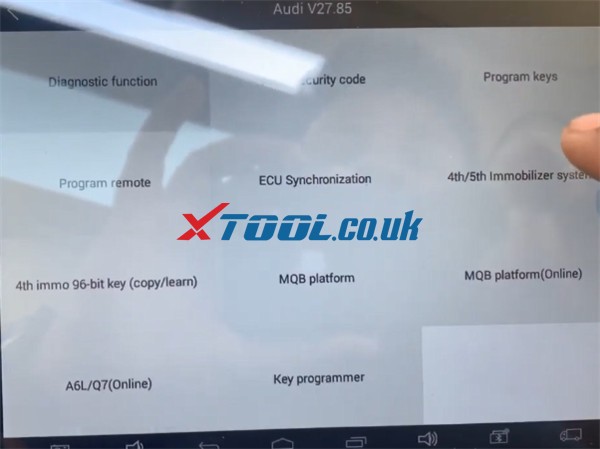
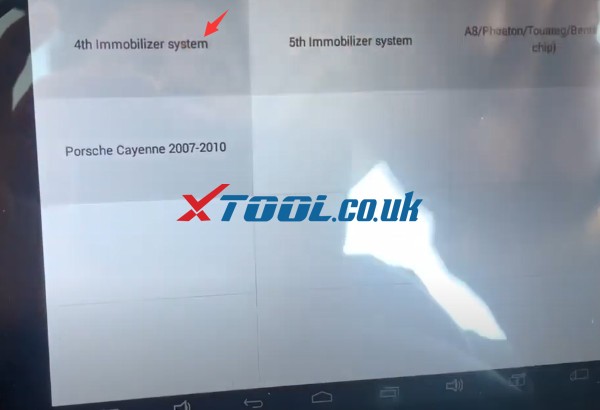
Select Immobilization-> Audi-> 4th/5th immobilizer system
xtool-x100-pad2-pro-program-audi-a6-add-key-1
Turn the ignition switch on
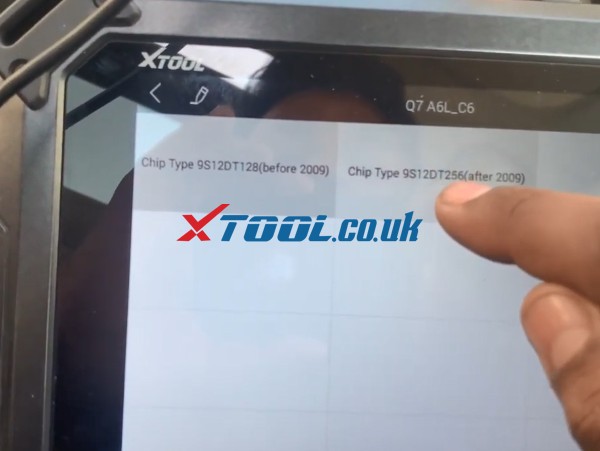
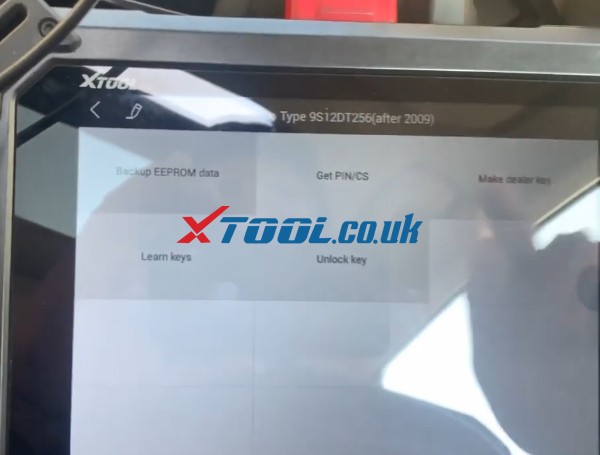
Select 4th immobilizer system-> Q7 A6L_C6 (Recommend)-> Chip Type 9S12DT256 (after 2009)
xtool-x100-pad2-pro-program-audi-a6-add-key-02
xtool-x100-pad2-pro-program-audi-a6-add-key-03

There are 5 options can be performed depending on the specific situation as below:
  1. Backup EEPROM data
  2. Get PIN/CS
  3. Make dealer key
  4. Learn keys
  5. Unlock key
xtool-x100-pad2-pro-program-audi-a6-add-key-04
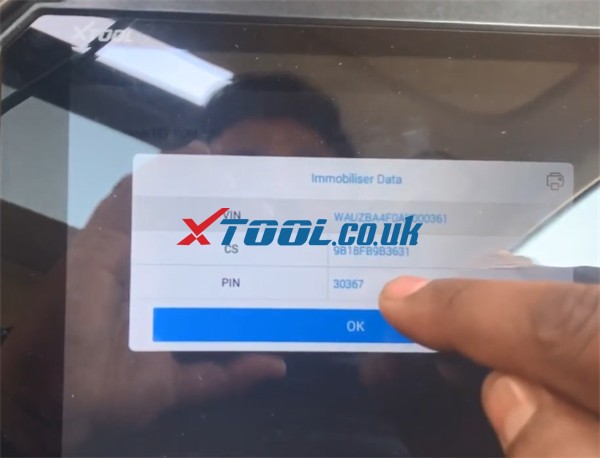
Step 1: Get PIN/CS
Read out immobilizer data
xtool-x100-pad2-pro-program-audi-a6-add-key-05
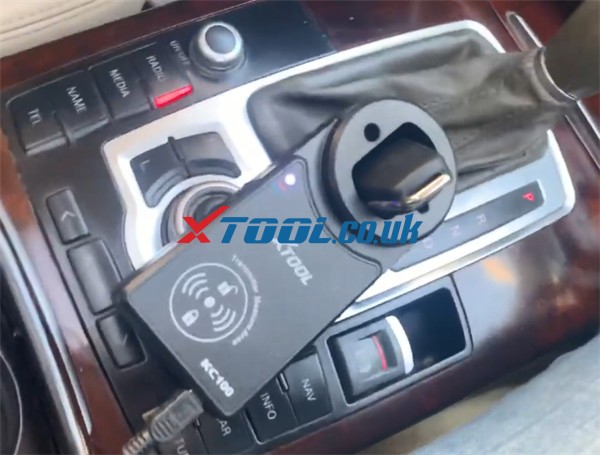
Step 2: Make dealer key
Put the new key that ready to add into the coil of XTOOL KC100
xtool-x100-pad2-pro-program-audi-a6-add-key-06
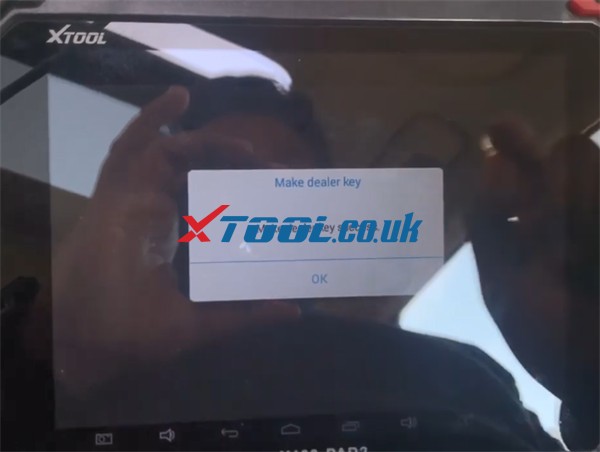
Make dealer key successfully
xtool-x100-pad2-pro-program-audi-a6-add-key-07

Step 3: Learn keys
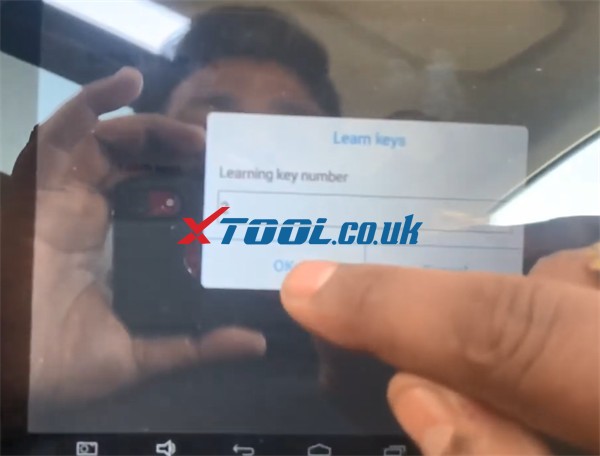
Input the key number want to learn manually
xtool-x100-pad2-pro-program-audi-a6-add-key-08

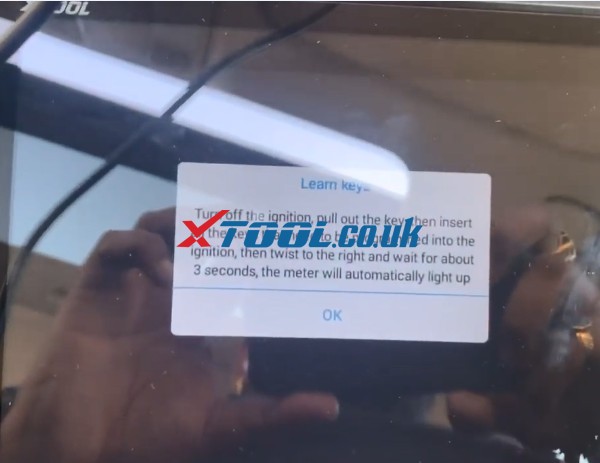
Turn off the ignition, pull out the key, then insert all keys that need to be programmed into the ignition, then twist to the right and wait for about 3 seconds, the meter will automatically light up
xtool-x100-pad2-pro-program-audi-a6-add-key-09
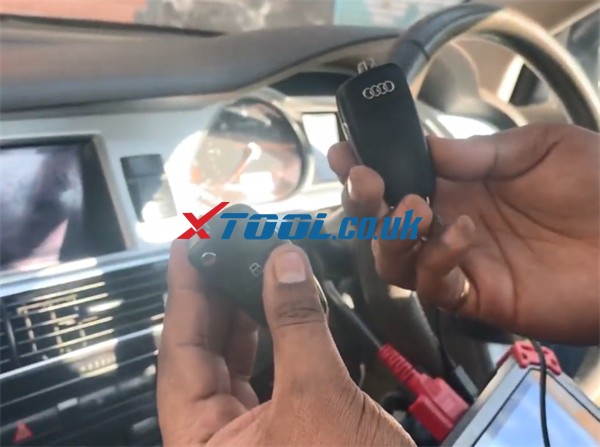
After the key has been learned successfully, test all keys to check if they can start the car and do remote normally.
xtool-x100-pad2-pro-program-audi-a6-add-key-10
xtool-x100-pad2-pro-program-audi-a6-add-key-11
Done!

FYI…
Besides Audi A6 ID8E, other Audi car models also can work well with X100 PAD2 (Pro).
Check the real feedback as below.
  • Audi A4 2007 add remote- OK
  • Audi A1 2016 Change mileage, Learn key, Works good
  • Audi a4 2012 (eu cars) read, make dealer key and program key all ok, Remote key not proximity
  • Audi TT 2001 read pin, add key and remote all ok
  • 2007 Audi A4 2.0 TDi add remote 2 mins very good shows what slots are programmed and lets you pick slot 1-4 for new remote.
  • Audi Q7 2008 mileage correction – OK, done the job under menu 2009-2011 – waiting time around 20 minutes, must be patient
  • 2010 Audi A3 program remote function very fast with no issues
  • A4 2010 add key ok
…
For your convenience, here is the XTOOL X100 PAD2/X100 PAD2 Pro car list for Audi Immobilization.
Note: it also applies to VW, SKODA, BENTLEY and SEAT.
System type
Include car models
Function
Diagnostic function
AUDI, SKODA, VW, BENTLEY, SEAT
01 Engine
09 Central control
17 Dashboard
25 Immobiliser
35 Central lock
46 Central comfort module
02 Automatic transmission
03 Anti-lock brakes
08 Automatic air conditioning
15 Airbag
16 Steering wheel
19 Gateway can
44 Power Steering
53 Parking Brake
55 Xenon lamp
56 Radio
76 Parking Aid
Read security code
AUDI
17 Dashboard
25 Immobiliser
Jetta (2010-)
GTI
SKODA, VW, BENTLEY, SEAT
1.01 Engine
 1.1.SantanaVista
 1.2.Lavida
 1.3.Touareg
 1.4.Beetle
 1.4.1.-2006
 1.4.2.2007-
 1.5.Other
Program keys
AUDI, SKODA, VW, BENTLEY, SEAT
17 Dashboard
25 Immobiliser
Jetta (2010-)
GTI
Program remote
AUDI, SKODA, VW, BENTLEY, SEAT
09 Central control (CANBUS)
09 Central control (UDS)
35 Central lock (KWP1281)TYPE 1
35 Central lock (KWP1281)TYPE 2
46 Central comfort
module (KWP1281)TYPE 1
ECU Synchronization
AUDI, SKODA, VW, BENTLEY, SEAT
1.Imm2
 1.1.Replace the engine ECU
 1.2.Replace the immobilizer ECU
1.Imm3
 1.1.Replace the engine ECU
 1.2.Replace the Dashboard
1.Imm3.5
 1.1.Replace the engine ECU
 1.2.Replace the immobilizer ECU
4th/5th Immobilizer
system
4th Immobilizer system
1.CDC+24C32
2.NEC+24C32
3.9S12XHZ51(Golf6 MM7-2011)
4.NEC+95320
5.NEC+95320 (HohnSon/JCI)
6.NEC 35XX
7.NEC+24C64
8.NEC+C64 Color screen
9.NEC+24C64 (2013) Blank screen
10.NEC+24C64 (2013) Color screen
11.NEC+24C64 (2015-)
12.A1/Q3NEC+24C64 (-2014)
13.Magotan/CC
14.A6L/Q7
15.AUDI A4R8 (2005-)
16.AUDI A4R4 (-2004)
17.AUDI A3/TT/R8
5th Immobilizer system
1.Match the key
2.Online mode
3.A6/A7/A8 All-lost Online
A8/Phaeton/Touareg/Bentley(46 chip)
1.upload data
2.Download data
3.Generate dealer key
4.Learning key
5.Read PIN code and CS code (OBD)
6.Get the seventh byte of CS code
4th immo 96-bit key
(copy/learn)
 
1.upload data
2.Download data
3.Generate dealer key
4.Learning key
5.Learning Key (UDS)
6.Unlock key
7.Online mode
MQB platform
 
1.Read anti-theft data
2.Generate dealer key
3.Learning key
4.Reset meter
MQB platform(Online
 
1.upload data
2.Download data
3.Generate dealer key
4.Learning key
5.Online mode
A6L/Q7(Online)
 
1.upload data
2.Download data
3.Generate dealer key
4.Learning key
5.unlock key

If you have any problem about the car model supported by XTOOL key programmer or others, please feel free to contact us.
Contact info:
Email: Sales@XTOOL.co.uk
whatsapp: +86 18223445829
 

2021-04-21

Programming 2020 Honda Brio Spare Key with Xtool X100 Pad2 (Pro)

Here, xtool.co.uk runs through the process of programming a 2020 Honda Brio, where the customer required a spare key. The process was carried out in the following stages using the XTOOL X100 Pad2 key programmer, which allows for programming without any dismantling of the vehicle.

Vehicle –2020 Honda Brio 16 PIN
Situation – Customer required a spare remote key for the vehicle. The working key can start the car normally, but when insert the new key which is not programmed to turn on the ignition, the light immobilizer appears.


Programming 2020 Honda Brio Spare Key with Xtool X100 Pad2  01

Programming 2020 Honda Brio Spare Key with Xtool X100 Pad2  02

Equipment needed and why – XTool X100 Pad2/ X100 PAD2 Pro was used, it was chosen as it is reliable and the operation step is easy and simple. Moreover, the Honda 16 PIN key programming is supported.

Check X100 PAD2 (Pro) car list for Honda key programming as below.

Car makerSystem typeYearModelFunction
HondaImmobilizer 3 PIN 
Honda 16 PIN 
Honda Manual Type 1 (3G)

1.Add a key

2.All keys lost

Honda Manual Type 2 (4G)
HondaSmart key system Type 1 (knob) 
Honda Type 2 (button)

1.Add a smart key

2.All smart keys lost

Honda Type 3 (button)

1.Add a smart key

2.All smart keys lost

3.Number of read keys

HondaRemote Program remote (9G)

1.Add remotes

2.Erase remotes

Honda2007-RN6

1.Program remote

2.Remote identification

Step-by-step guide to add new key:

1.Connect X100 PAD2 key programmer to the vehicle via the main cable directly

2.Select Immobilization-> HONDA-> immobiliser-> Auto-> 16PIN

Programming 2020 Honda Brio Spare Key with Xtool X100 Pad2  03 

Programming 2020 Honda Brio Spare Key with Xtool X100 Pad2  04

3.Turn the ignition switch on

4.Select Key-> Add a key

Programming 2020 Honda Brio Spare Key with Xtool X100 Pad2  04

5.Use the original key to turn off the ignition, turn on, turn off, turn on

Then use the new key to replace it, and follow the instruction to turn on and turn off… till it shows “Immobiliser device indicator is off?”. At the same time, check the immobilizer device indicator on the dashboard, if it is off, click “Yes” to continue.

Programming 2020 Honda Brio Spare Key with Xtool X100 Pad2  05

 Programming 2020 Honda Brio Spare Key with Xtool X100 Pad2  06

Programming 2020 Honda Brio Spare Key with Xtool X100 Pad2  06

Turn on the ignition switch with the original key

6.Key registration has been completed, then turn off the ignition switch

Programming 2020 Honda Brio Spare Key with Xtool X100 Pad2  07

7.Check all keys in order to ensure everyone can start the engine


FYI…

Here are some Honda car models that have been tested successfully by XTOOL X100 PAD2/X100 PAD2 Pro.

Honda:

honda Accord 02-07 Reset ECU Sync Ok

simple honda crv 2004 add keys id48 no problem

2007 Honda Civic AKL programmed new key 2 mins

Add key and remote to Honda Civic 2008

honda hr 2015 add key okay
Honda civic 2002 id48 add key ok!

Honda Insight 2010 AKL – OK
civic 2011 add key okay
civic 2007 add key okay
Honda Insight 2010 AKL – OK

Honda CRV 2008 spare key – Program key ID46 – OK

Honda Jazz 2009 AKL 8E chip – OK

…

www.xtool.co.uk


How to program a Toyota G Chip Key using xtool D8

  Purpose:   program a G chip key for a Toyota Model:   Toyota Tacoma 2011 Tool option:   Xtool D8 Bi-Directional OBD2 Diagnostic Scanner He...